Bot & Spam Filtering
How Pulse's Cerberus engine detects and filters bot traffic out of your analytics, and what the Bot & Spam tab shows you about it.
Pulse uses Cerberus, a purpose-built bot and spam filtering engine, to keep crawlers, scrapers, and spam referrers out of your analytics data. It's on by default for every site and evaluates each inbound session automatically.
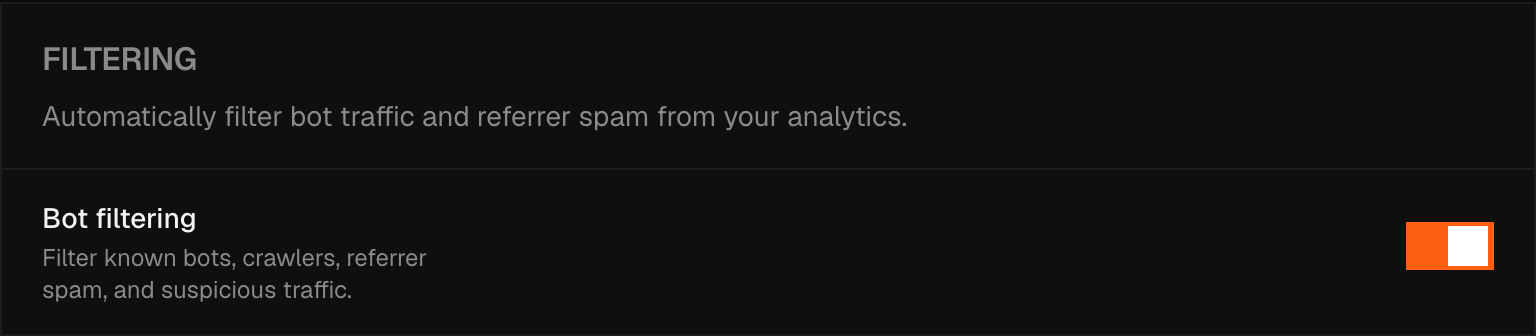
Enable bot filtering
Go to Settings → Bot & Spam and toggle Bot filtering on. The setting is per-site, and changing it needs a role with manage access — a read-only member can see the tab but not switch the toggle.
How Cerberus evaluates sessions
Each session is scored against a set of signals:
- User-Agent — known bot strings, headless browsers, and automation frameworks
- Referrer reputation — known spam domains and referrer injection patterns
- Screen dimensions — resolutions that do not correspond to real devices
- Accept-Language anomalies — headers that are missing entirely or set to a wildcard, which real browsers rarely send
- Human signals — presence or absence of mouse movement, keyboard input, and scroll events before the first pageview
- Device rules — combinations of properties that do not occur on real hardware
- Datacenter IP detection — traffic originating from known cloud and hosting provider IP ranges
- Time zone and location — a browser time zone that places the visitor on a different continent from their IP address, on a desktop configuration where that mismatch is common
Beyond scoring each session on its own, Cerberus also watches for patterns across groups of sessions that share the same device, browser, and screen combination — cohorts whose collective behavior looks automated even when no single session stands out.
Sessions that fail these checks are either flagged as suspicious or blocked outright.
Note
Cerberus decisions are non-destructive — an excluded session is kept out of your dashboards and exports, not deleted.
Excluded traffic
The Bot & Spam tab doesn't list individual sessions or referrer domains, and there's no per-session or per-domain override. Cerberus runs on signals no dashboard view could reproduce, and a person skimming a session list after the fact was never in a position to second-guess it — so the tab reports the outcome instead, as three counts:
- Excluded from your stats — the current total of sessions Cerberus has excluded on this site; a session can also be restored automatically if later evidence clears it, so the number can drop as well as rise
- In the last 7 days — excluded sessions in the past week
- In the last 24 hours — excluded sessions in the past day
