UTM Campaigns
Track marketing campaigns in Pulse using UTM parameters and source fallbacks.
Pulse reads UTM parameters from each page's own URL and files that pageview under the campaign it names. No extra configuration is needed — just tag your links.
Parameters Pulse captures
| Parameter | Purpose | Example |
|---|---|---|
utm_source | Where the traffic originates | google, newsletter, twitter |
utm_medium | The marketing channel | cpc, email, social |
utm_campaign | The specific campaign name | spring-sale, product-launch |
utm_term | Paid-search keyword | running-shoes |
utm_content | Tells apart similar links or ad variants | header-link, footer-link |
Pulse also recognises source and ref as fallback source parameters for shorter links where full UTM tagging isn't practical.
Note
UTM values are read from each pageview's own URL, not carried over from the page a visitor landed on first. A link tagged with utm_source=newsletter produces one tagged pageview; whatever the visitor clicks next on your own site, untagged, carries no UTM values of its own.
Tagging your links
Append parameters to any destination URL:
https://yoursite.com/landing?utm_source=newsletter&utm_medium=email&utm_campaign=april-digestUse a consistent naming convention. Pulse is case-sensitive — Email and email will appear as separate sources.
Warning
Avoid using UTM parameters on internal links. Tagging links between your own pages will overwrite the original attribution for that session.
Campaigns view
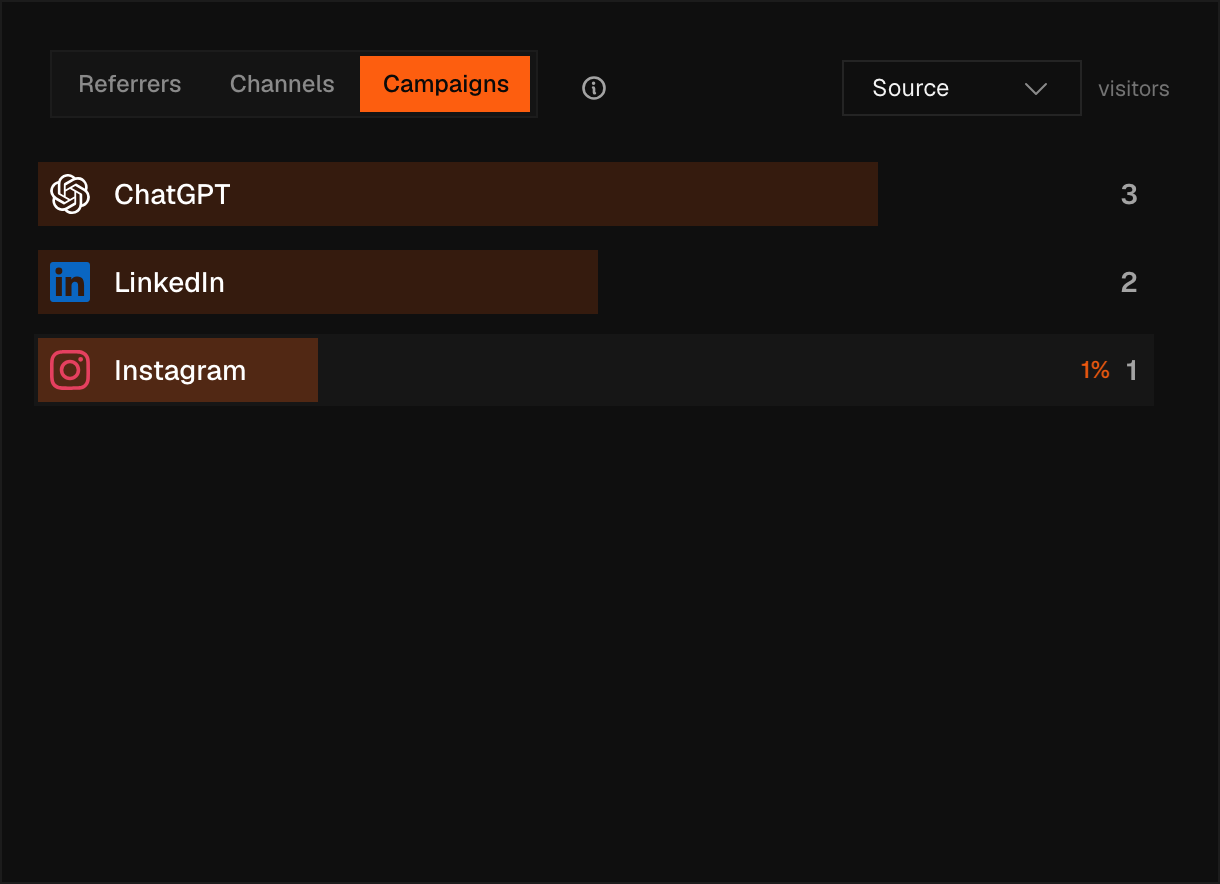
The Sources card on the dashboard holds three views: Referrers, Channels, and Campaigns, chosen with the switcher at the top of the card. Campaigns shows visitor counts broken down by UTM source, medium, campaign, term, or content; pick which one with the Campaign dimension dropdown beside the switcher.
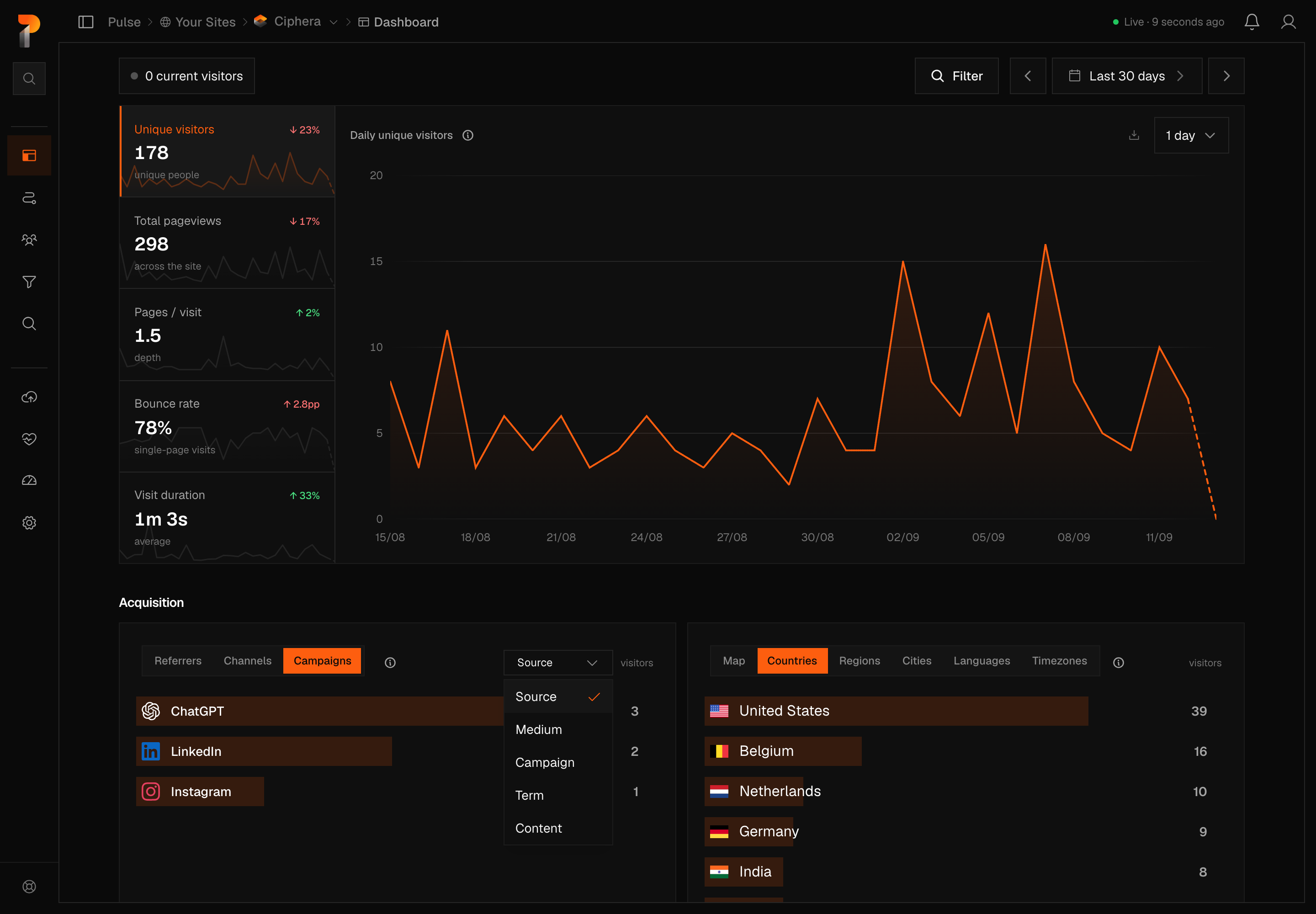
Click any row to filter the entire dashboard by that value. Combine filters — for example, filter by utm_source = google and utm_medium = cpc simultaneously — to isolate a specific ad campaign's performance.
Channels view
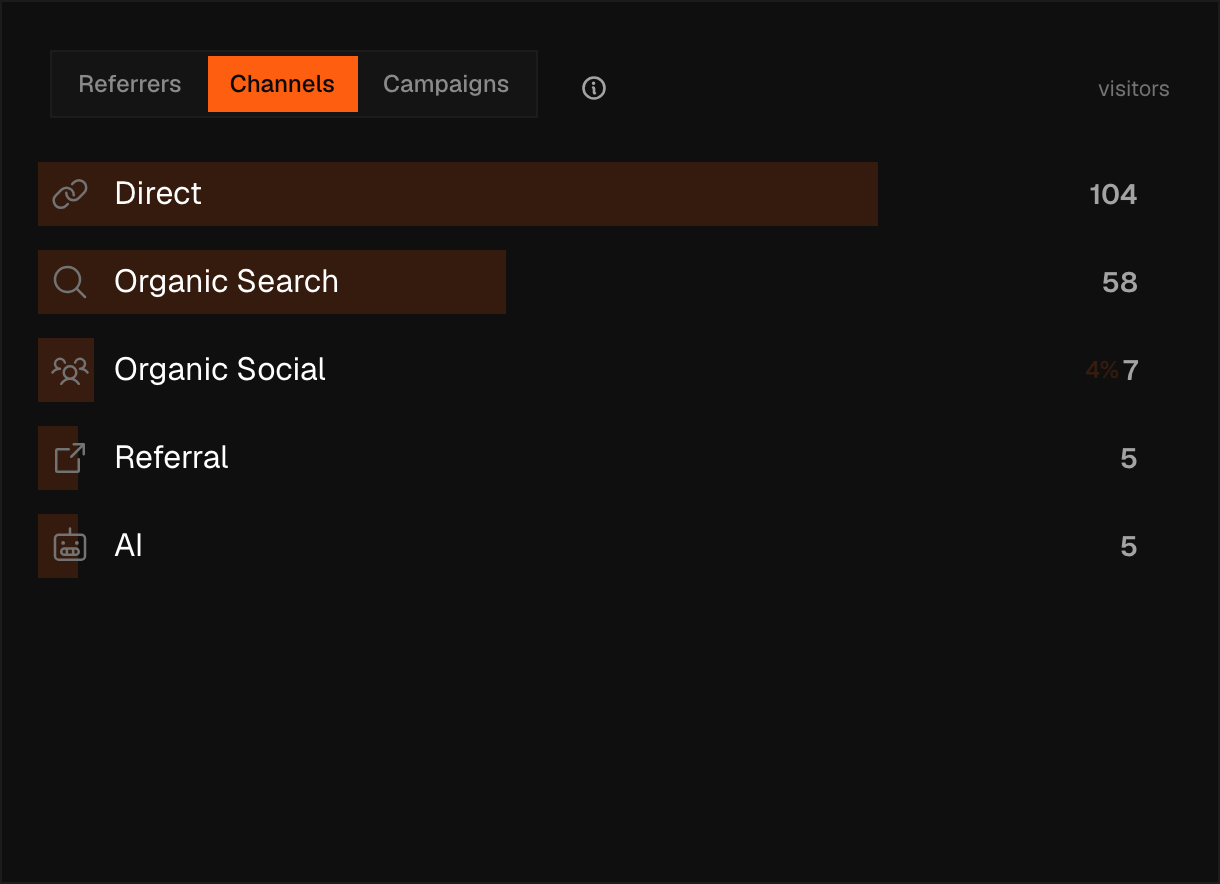
The Channels view in the same Sources card aggregates traffic into broader buckets. Email, Paid Search, Paid Social, Display, Affiliate, and SMS come from the UTM medium; Organic Search, Organic Social, AI, Organic Video, Direct, and Referral come from the referrer itself, and anything else falls into Unknown. This gives a quick high-level view without needing to inspect individual campaigns.
What each dimension means
Every row in the Campaigns view is one full (source, medium, campaign, term, content) combination, ranked by distinct visitors. Changing the Campaign dimension dropdown doesn't re-fetch anything: it re-groups those same combinations by a single field, summing visitors and pageviews and taking a visitors-weighted mean of bounce rate and duration for each group.
Warning
The Campaigns view only ever shows tagged traffic. A pageview appears here, under any dimension, only if it carried a utm_source; pageviews with no UTM parameters at all never show up. For a breakdown that includes untagged traffic, use the Referrers or Channels view instead.
Source
Grouped by the utm_source value that tagged the link a visitor clicked — newsletter, twitter.
Medium
Grouped by the utm_medium value — cpc, email, social. This is the same field the Channels classifier reads first when it sorts traffic into Paid Search, Paid Social, Display, Affiliate, Email, or SMS.
Campaign
Grouped by the utm_campaign value — spring-sale. Separates traffic by which campaign a link belonged to rather than which channel carried it.
Term
Grouped by the utm_term value, conventionally a paid-search keyword.
Content
Grouped by the utm_content value, conventionally used to tell apart two links or ad variants that share the same source, medium, and campaign — a header link versus a footer link pointing at the same page, for example.